Performance Budgets
EXPERIMENTAL. The plugin can collect and report selected metrics, but its failOnBudgetExceeded path is not a verified standalone CI gate in the current release.
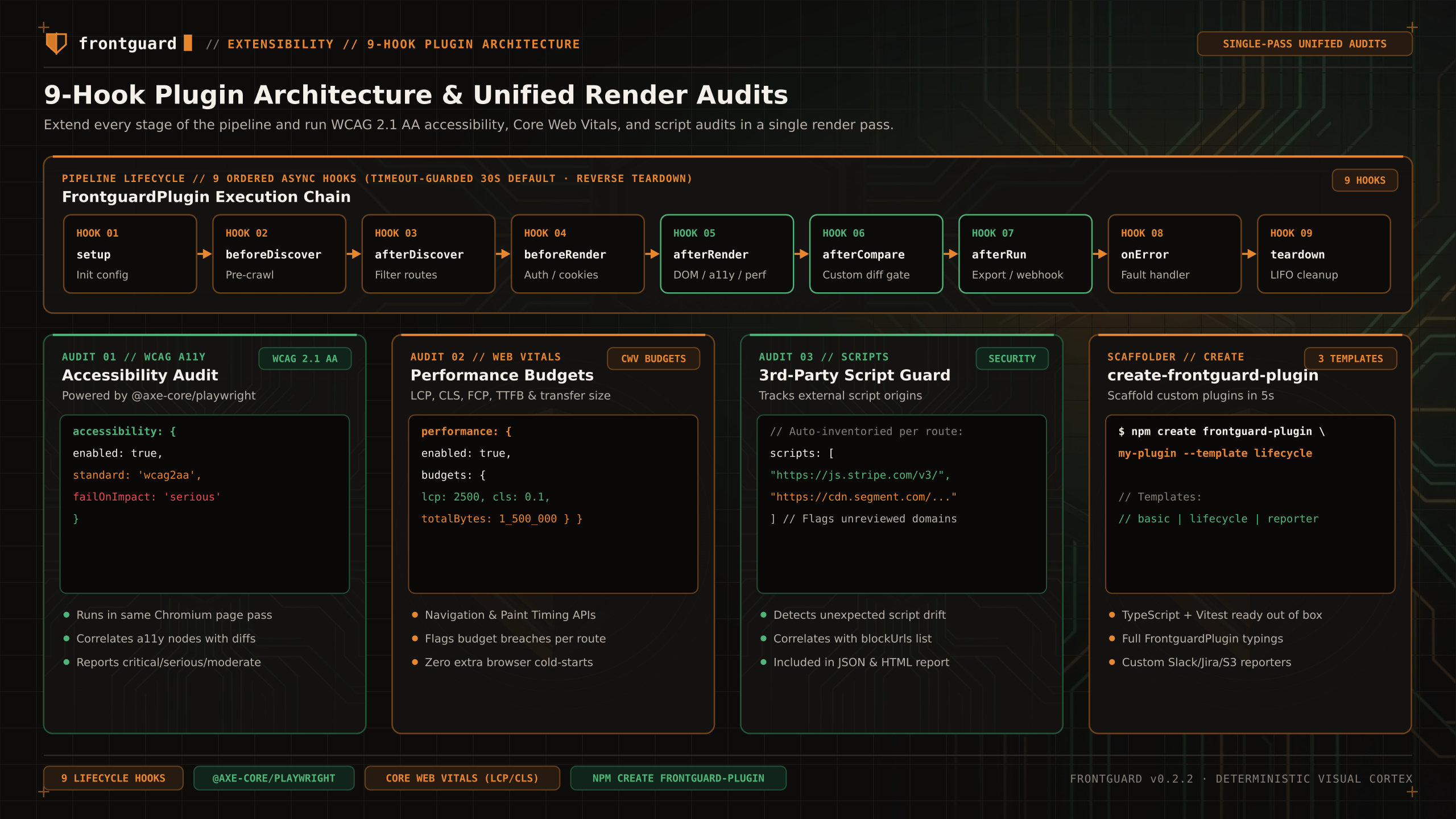
Report navigation timing, estimated LCP/CLS, resource transfer weight and request counts from captured routes. FCP is not a supported budget.
Experimental status
Because Frontguard already boots Chromium and waits for network and frame convergence on every route, the performance budget plugin reads browser performance entries in the afterRender hook without launching a separate Lighthouse process.
Collecting Web Vitals in afterRender
| Metric | Budget Key | What It Measures |
|---|---|---|
Largest Contentful Paint | lcp | Estimated largest-content paint time in milliseconds. |
Cumulative Layout Shift | cls | Unitless layout instability score accumulated during page load. |
Time to First Byte | ttfb | Response latency in ms for the document navigation request. |
Total Transfer Weight | maxPageWeight | Maximum total resource transfer weight in KB (1024 bytes). |
Request Count | maxRequests | Maximum number of resource requests. |
Current limit
Use the plugin output as supplemental evidence. Keep an independently verified performance gate for release decisions until the plugin exit-code path has a failing-first acceptance test.