Third-Party Script Monitoring
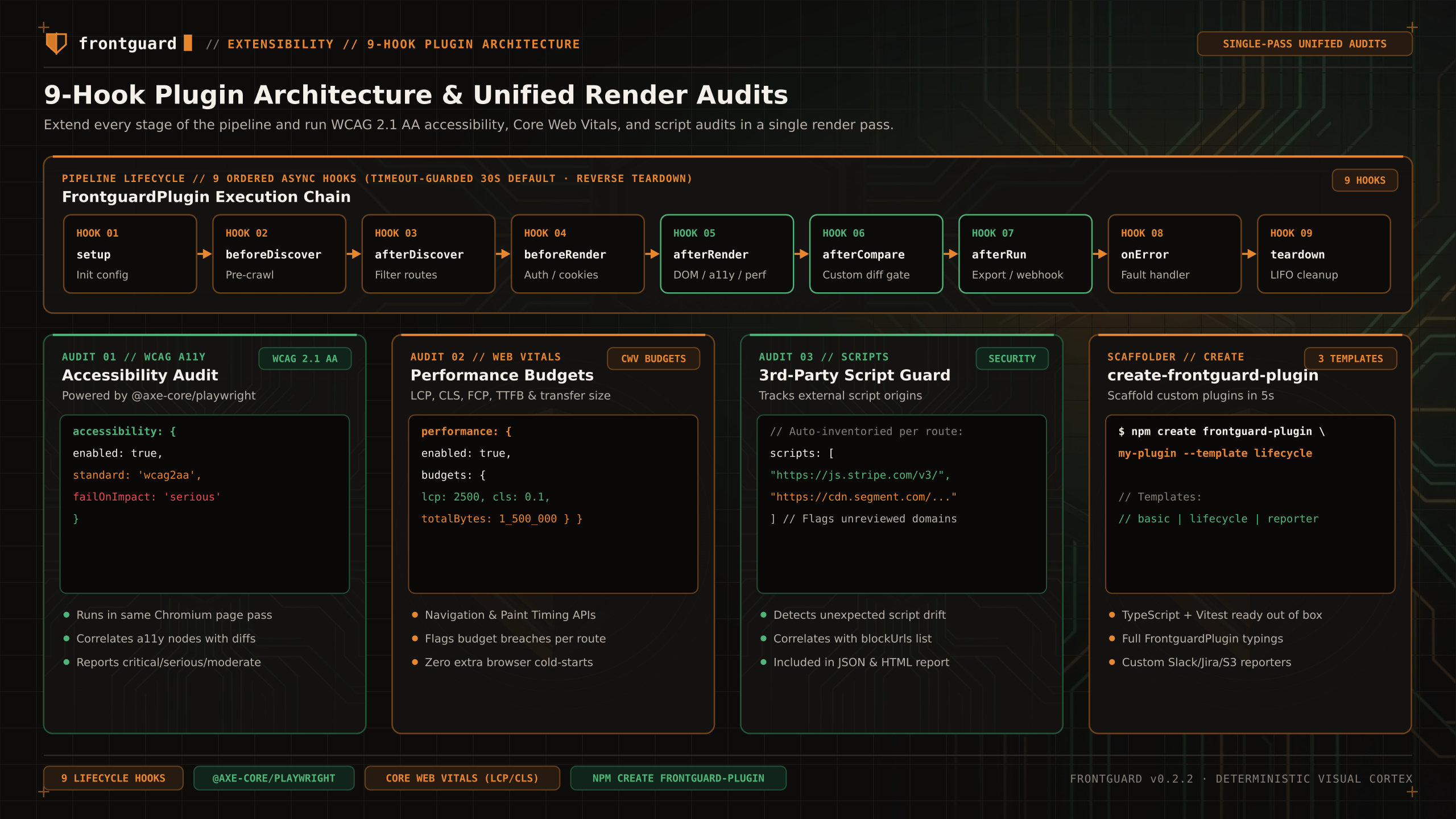
LOCAL PLUGIN. The plugin inventories third-party script origins and compares the stored inventory between runs.
Track every external <script src> origin loaded across your routes and spot unexpected third-party marketing tags, chat widgets, or supply-chain drift alongside visual diffs.
Import
Behavior
During the afterRender hook on each route, the plugin inspects all script elements with external origins, normalizes their hostnames, and compares them against the previous inventory snapshot stored in your project. Newly introduced external script origins are highlighted in the run report.
Pairing with blockUrls
When third-party scripts introduce visual flakiness (such as A/B testing flicker or floating customer-support bubbles), add their patterns to blockUrls in frontguard.config.ts so Playwright aborts them before screenshot capture:
Limit
An origin change is evidence to review, not proof that a script is malicious or that it caused a layout regression.